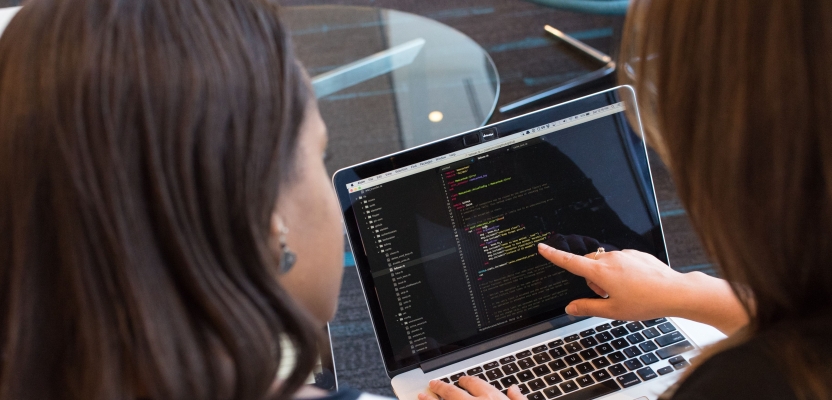

Dario Amodei, CEO of Anthropic, recently told the World Economic Forum that within six to twelve months, AI will be able to do almost everything developers currently do. AI coding assistants have already changed the way many developers work, code, scale, and ship. But do these tools hinder more than they help?
How AI Improves Developer Performance
The biggest wins of using artificial intelligence for coding are in areas like writing boilerplate code. AI coding assistants can handle writing code faster than humans, drawing on a vast library of examples in the training dataset.
For example, GitHub claims its Copilot AI reduces the time spent on routine coding tasks by 55%. Likewise, Anthropic found that AI can reduce the time spent on routine tasks by up to 80%.
The large dataset is useful for generating documentation too - AI coding assistants find case studies and create docstrings, comments, and unit tests quickly and automatically.
How AI Hinders Developers
However, growing evidence suggests that the use of AI coding assistants can hinder developers as well as help them.
In the Anthropic survey cited above, you can also see that using AI for work can damage skill development. Anthropic divided the test group into two smaller groups. One group debugged using AI, while the other did it manually. When given a follow-up quiz, the group that had to manually debug averaged a score of 67%. In comparison, the AI group averaged 50%.
When it comes to skills, you either use them or lose them. Getting stuck on difficult problems is how humans learn, and when AI removes that challenge, it also removes a learning opportunity.
Also, AI doesn’t always make developers faster. In a 2025 study, researchers found that developers actually completed tasks 19% slower when using AI. Machines make errors, and finding and fixing those errors can eat up a lot of time.
How to Use AI Assistants Safely
So, do AI coding assistants help or harm developers? Ultimately, it depends on how the AI is used.
For developers just starting out in their careers, AI seems to offer a shortcut. It can give them access to skills and libraries they might not have found by themselves. But reliance on it also means they never develop the skills to check what the AI is doing. For seasoned developers, though, AI can speed things up by getting rid of routine work.
It seems that the best way to use these AI coding assistants is to maintain a human in the loop. A skilled and knowledgeable developer is still necessary to keep the systems from compounding errors and shipping broken products faster.
It’s also worth remembering that cloud-based AI tools process code externally. That brings a risk of exposing proprietary logic or credentials.
For just one example, look at the recent study on OpenClaw, an open-source autonomous AI agent. The study found that around 7% of the skills in the ClawHub marketplace registry contained flaws that would expose sensitive credentials, such as API keys, passwords, and credit card information.
Best Data Safety Practices for AI Users:
- Never paste sensitive information, such as customer personal data or confidential business information, into prompts of an unsecured AI system. Once you submit the data, the AI system may store it or use it to train future models.
- Validate third-party libraries suggested by AI, as AI assistants sometimes recommend outdated or nonexistent packages.
- Use a VPN to encrypt your connections. Sending code to an external server from a coffee shop or coworking space leaves your data exposed to interception- the best VPNs encrypt the connection, keeping your code snippets and credentials private in transit.
- Maintain human code review. Even if AI-generated code looks clean, it can still hide bugs or security flaws.
The Future for Developers
AI coding assistants aren’t going away, and they’re only getting faster and more capable every month. So, the question isn’t whether to use them - it’s how to use them safely.
Ultimately, AI is a tool, and any tool is only as good as the use you find for it. Treat it as useful, and learn about it as much as you can, but never trust it unquestioningly. Review its output, understand what it writes, and when it saves you two hours on boilerplate, spend one of those hours sharpening the skills AI can’t replace.