
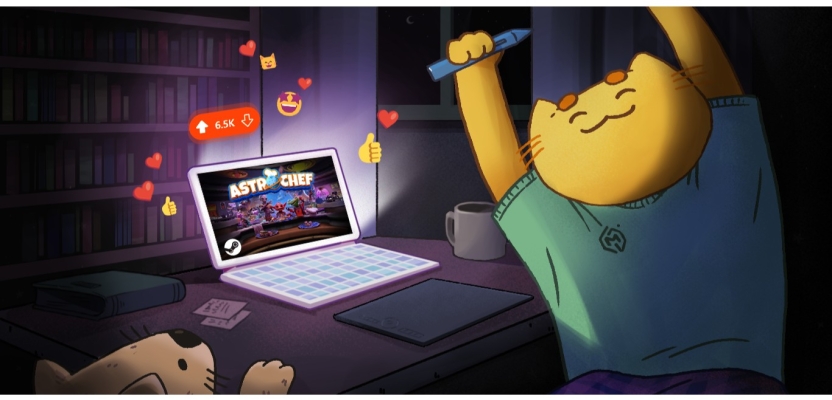

Do not underestimate the power of key art and its ability to earn you more game wishlists! Catchy and endearing key art stops potential players in their tracks (think about why you choose to click certain games over others). You want players to build an immediate emotional connection with your game.
Game key art (also known as “marketing art”, “capsule art”, “cover art”, “video game box art” or “Steam art”) is your opportunity to shine and to tell players what your game beholds in one enticing image. Just like these popular examples.


So, how do you create your game key art?
In this blog, we’ll cover everything you need to get your core piece underway, including our process of creating great video game key art, using expert tips from one of MLC’s fantastic game key artists, Sam, and referring to actual MLC project examples to guide you along the process.
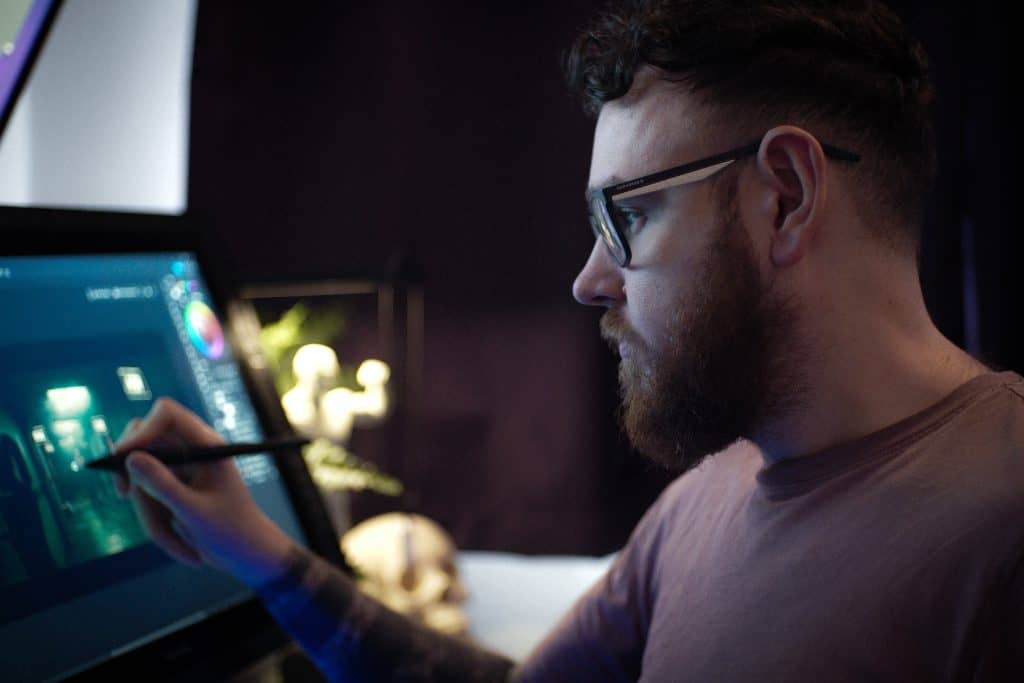
Sam – MLC Artist
Sam has been an MLC artist for over 3 years, with expertise on key art/marketing assets for games for 5 years, including being the artist behind Deadspace and Star Wars: Jedi Survivor‘s key art. He has
Sam shares some of his ideas:
- What do people tend to miss when it comes to game key art? / What is often overlooked?
“Readability is probably the most important one, you see it less these days but this 2012 IGN post has some good examples of poorer pieces in there. Sometimes the devs can forget that the audience doesn’t know the game that you know inside out, so you really have to think about what the core of the game is.” - How do you decide what the focal point should be of a key art piece?
“This can be a mix of client decisions or just what the hero of the game is, whether that be a vehicle, character or environment. This is unique for each game but needs a lot of thought put into it right at the start of the project.” - Why do you think some key art pieces stand out more than others?
“This kind of goes back to point 1 – making it really readable and showing as much of the game’s themes or content without giving away too much. After looking at a few “best art” lists, a lot of them are retro games with illustrated covers. Maybe in this dystopian AI nightmare that sort of thing will make a comeback?”
Let’s get into it.
Where Do I Start With Game Key Art?
We highly recommend you hire a professional. Good old Reddit even tells you to outsource your key art. We’ve had game developers approach us asking for our help after trying but failing to do it themselves.
You can hire game key art specialists– it’s a totally different ball game to being a 2D environment/game artist in terms of ideation, composition and style, as you’ll see when we describe the process below. Hiring carefully is crucial (use our tips here).
So, here’s a quick rundown of things you should consider before getting started (whether you decide to do it yourself or hire a professional):
- Key Attributes – identify the main elements that represent your game.
- Logo – ensure your logo is perfected or opt for a basic font logo, both options must complement your desired art.
- Art Style – decide on a consistent style that reflects your game and do some research into paintovers (i.e. no trace of original 3D or invisible paintover to enhance the original 3D render).
- References – gather visual references to guide your artist.
- Typical Costs & Factors – Great capsule art for indie to AA floats between $2k – 10k depending on lots of factors.
- Platform Sizes – research what dimension and format options you need for your release platform and marketing. For example, here are Steam’s marketing asset dimensions. It’s very important that, despite some variation in each version depending on size, consistency must be maintained across platforms. (NB: most artists won’t charge extra for different sizes, and should know what sizes to create based on your game platform).
- Software Skills – Photoshop, Illustrator, Blender and other tools will be your best friend for key art.
- Find an Artist – get it done sooner rather than later – we’ll help!
The Ideal Game Key Art Process
We’ll use MLC’s key art collaborations with Lion Castle on their games Astro Chef and Cyber Clutch: Hot Import Nights as examples throughout. Here are the finals for reference.
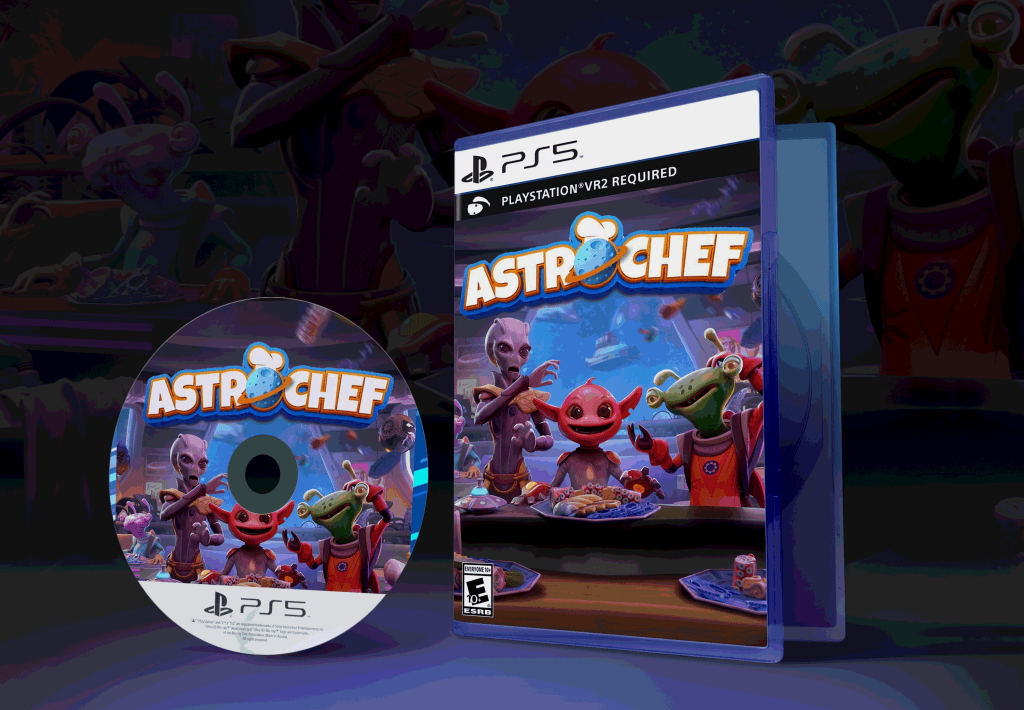
Astro Chef – key art PS5 mockup

Cyber Clutch – key art PS5 mockup
Step 1 – Ideation
Begin by brainstorming the core elements that must be featured in your key art. This includes genre, main characters, story, iconic scenes, and unique game mechanics. Think about the emotions you want to evoke and the story you want to tell. If the artwork includes existing 3D elements, they should be included at this point and integrated in the next few stages (if 3D elements need to be created, they need to be added at a later stage). Stick-figure doodles and mood boards will be useful here!
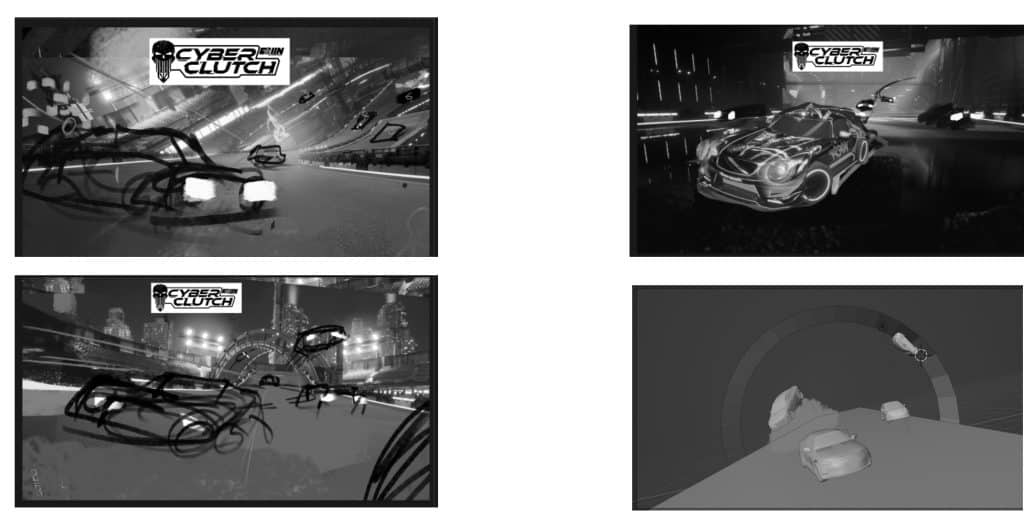
Step 2 – Sketches & Composition – Black & White
Initial sketches are created to lay out the composition. This is where we decide the placement of characters, background elements, and logo – arranging elements to lead eyes through the piece, and being cautious of anatomy and perspective. It’s typical at this stage to keep the piece black and white to focus on the structure without getting distracted by colour. Plenty of feedback loops and iteration will happen here.

Step 3 – Refining Sketches
One of the sketches is chosen and is refined by adding more details and adjusting the composition as needed. This step ensures all elements work harmoniously together.


Step 4 – Colour Rough
Colour is introduced to your composition. Choose / discuss a colour palette together that represents your game’s mood and theme. We’ll consider colour theory and how different hues can attract attention and convey emotions. Colour is then added to the greyscale sketch to further define and push the mood of the piece, as well as adding the local colours to the objects in the scene


Step 5 – Refined Colour
The colour scheme is refined, ensuring all elements are cohesive and visually appealing. Adjustments are made based on feedback. Ensure the art looks good in various sizes.


Final
Time for the finishing touches and polishing details. Check out the before and after differences here – the counter sketches, aliens in the background have changed, finer details have been added etc.


Layered PSD
Typically, the working PSD file containing all layers is included, to allow for easy modifications and repurposing of the art for different formats. To prepare a condensed PSD with just 3 to 5 layers is usually an extra charge and ensures all layer effects are applied to each layer.
Ready To Hire A Game Key Artist?
As we’ve uncovered, standout game key art is about cleverly creating a connection between your game and potential players. However, creating it yourself is a challenging feat; the process is nothing short of complex. This is why outsourcing to a professional artist is the preferred route amongst game dev studios. Not only will they create amazing key art, they will help you with your decisions on art style, composition etc so you can do less thinking.
Hire with confidence by hiring MLC for your game key art. Our game key artists, like Sam, are wizards in the field. Be fully involved throughout the whole process and collaborate directly with someone like Sam. Reach out anytime – we’re renowned for our flexibility and affordability particularly for indie to AA. Check out some of our past key art pieces.
Lion Castle loved working with MLC:
“MLC is a fast and great company to work with. They overdeliver on anything you want. I highly recommend working with them!”. Don’t forget to check out their recently released games Astro Chef and Cyber Clutch: Hot Import Nights!
We hope you found this blog useful in preparation for your launch. Let’s create more stunning enticing key art and get those game wishlist numbers soaring!
Want to hire Sam specifically? Get in touch!
