Zhandos Kadyrkulov
3D Artist
ABOUT
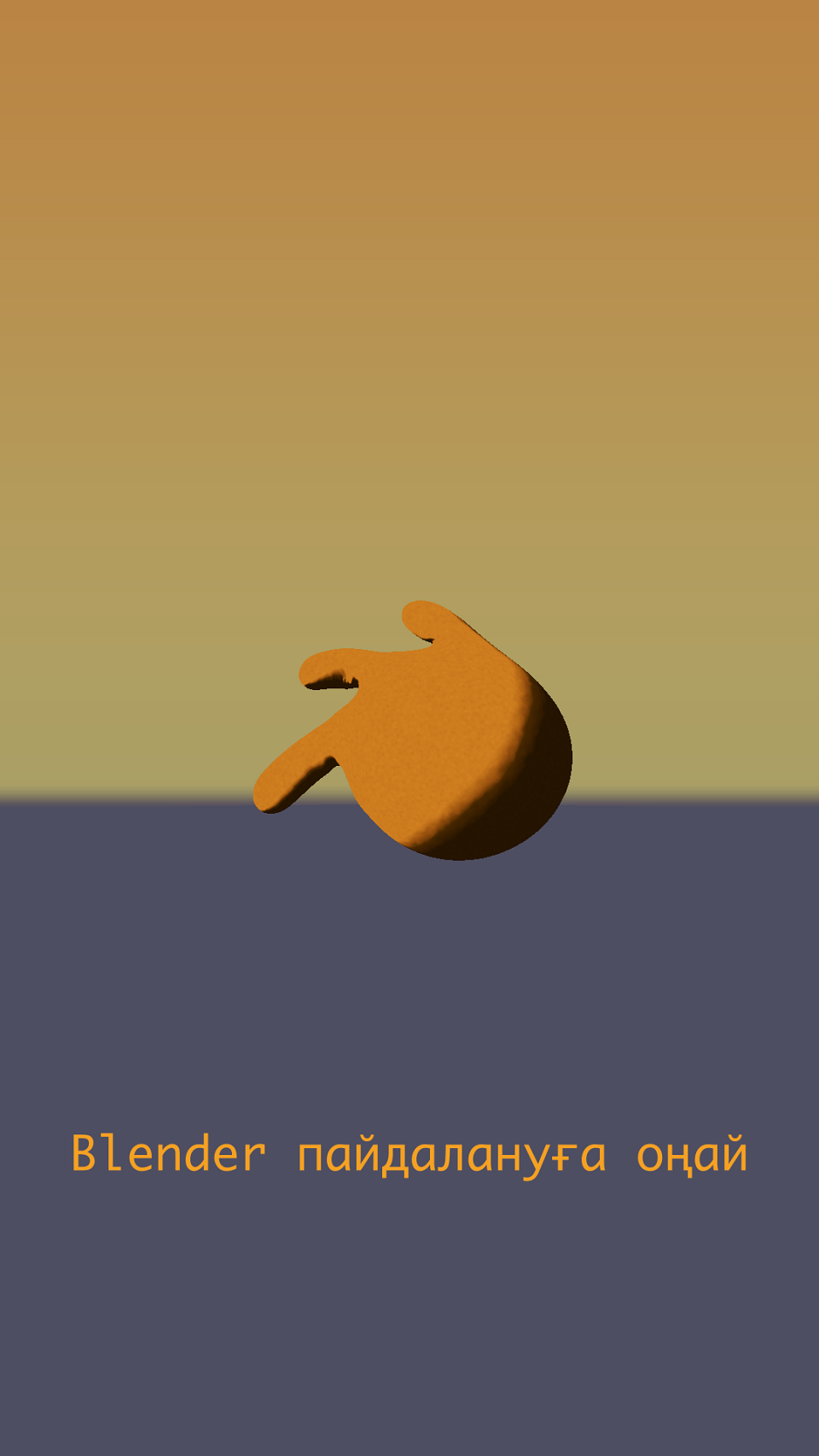
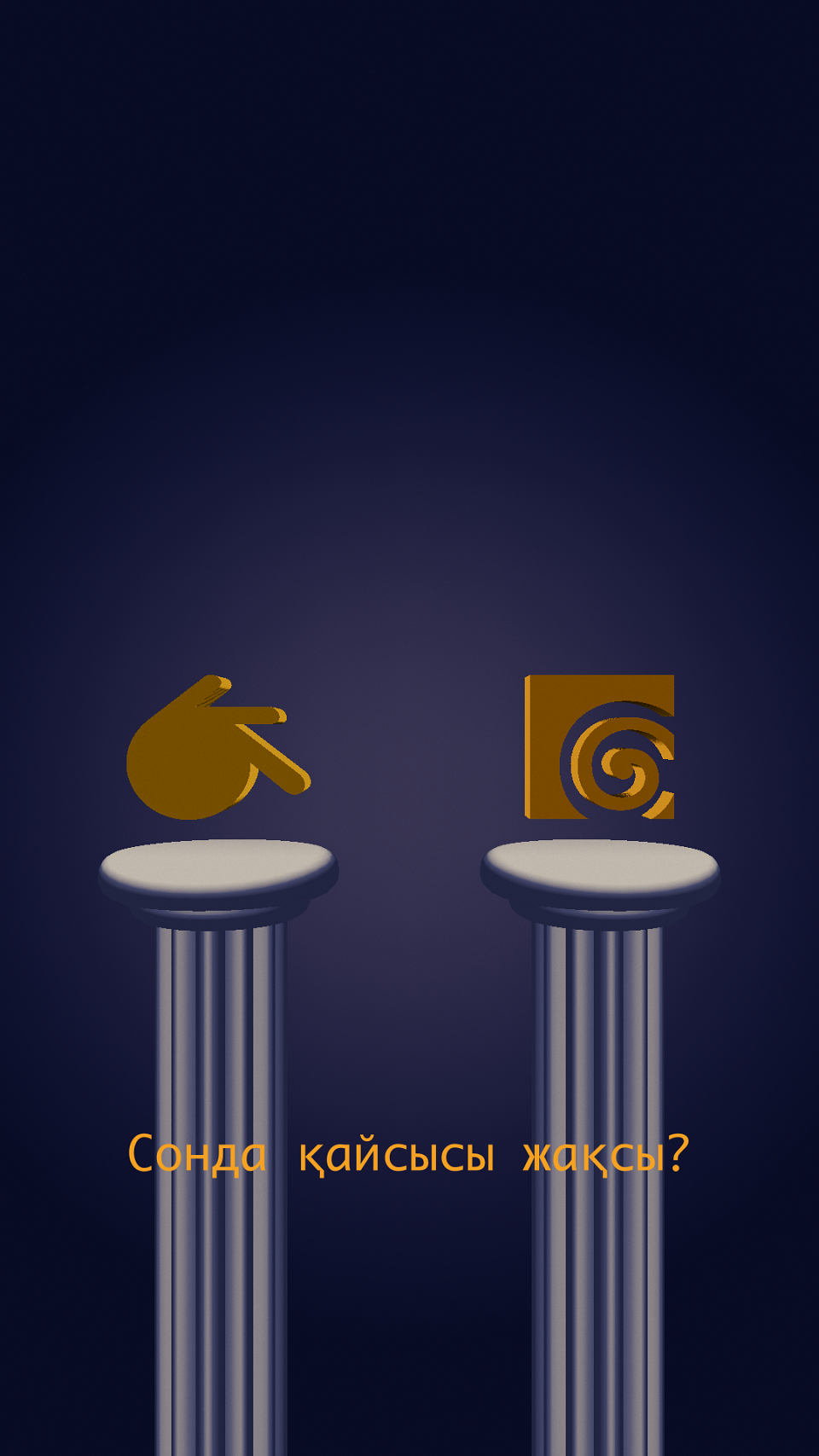
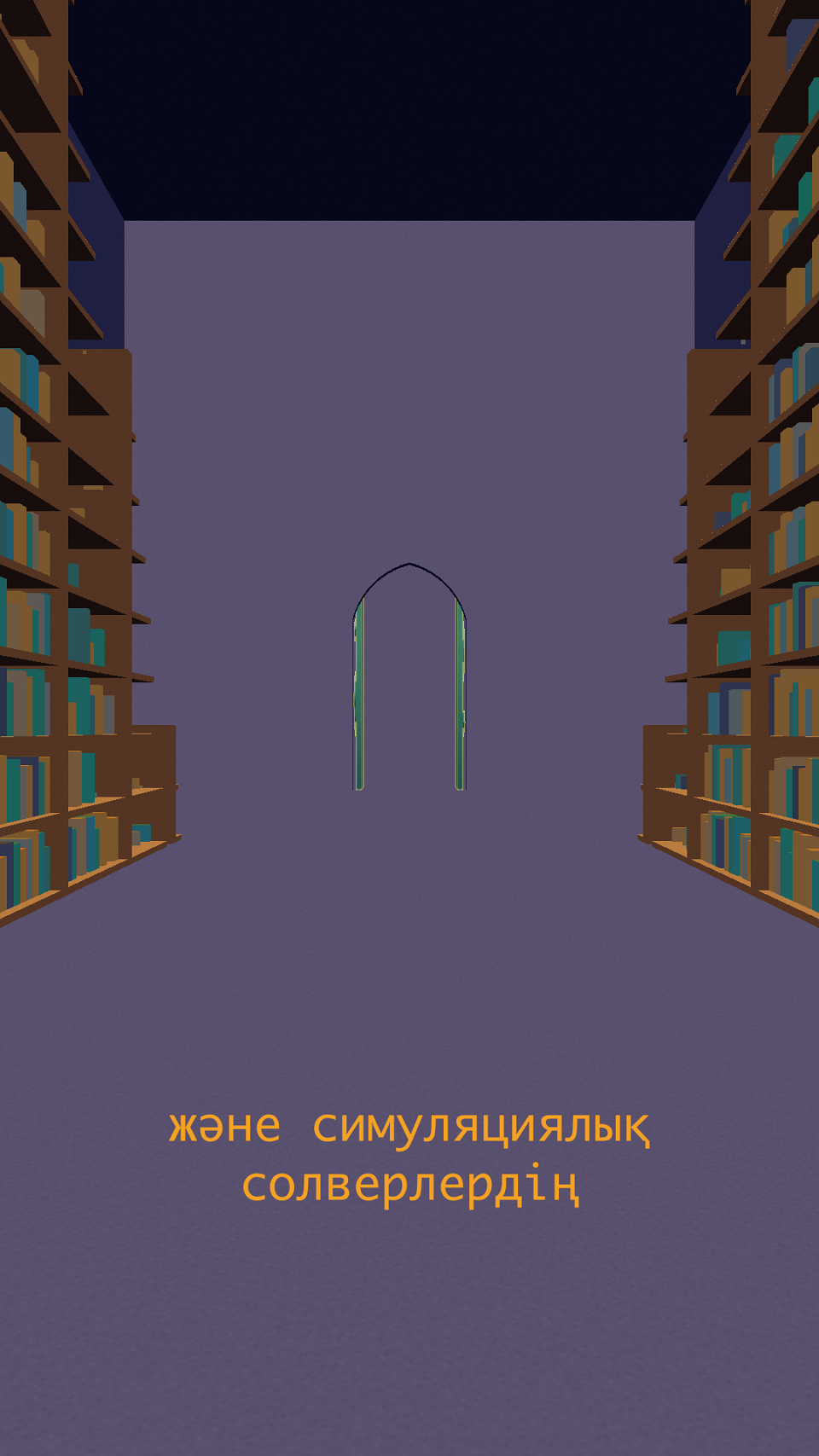
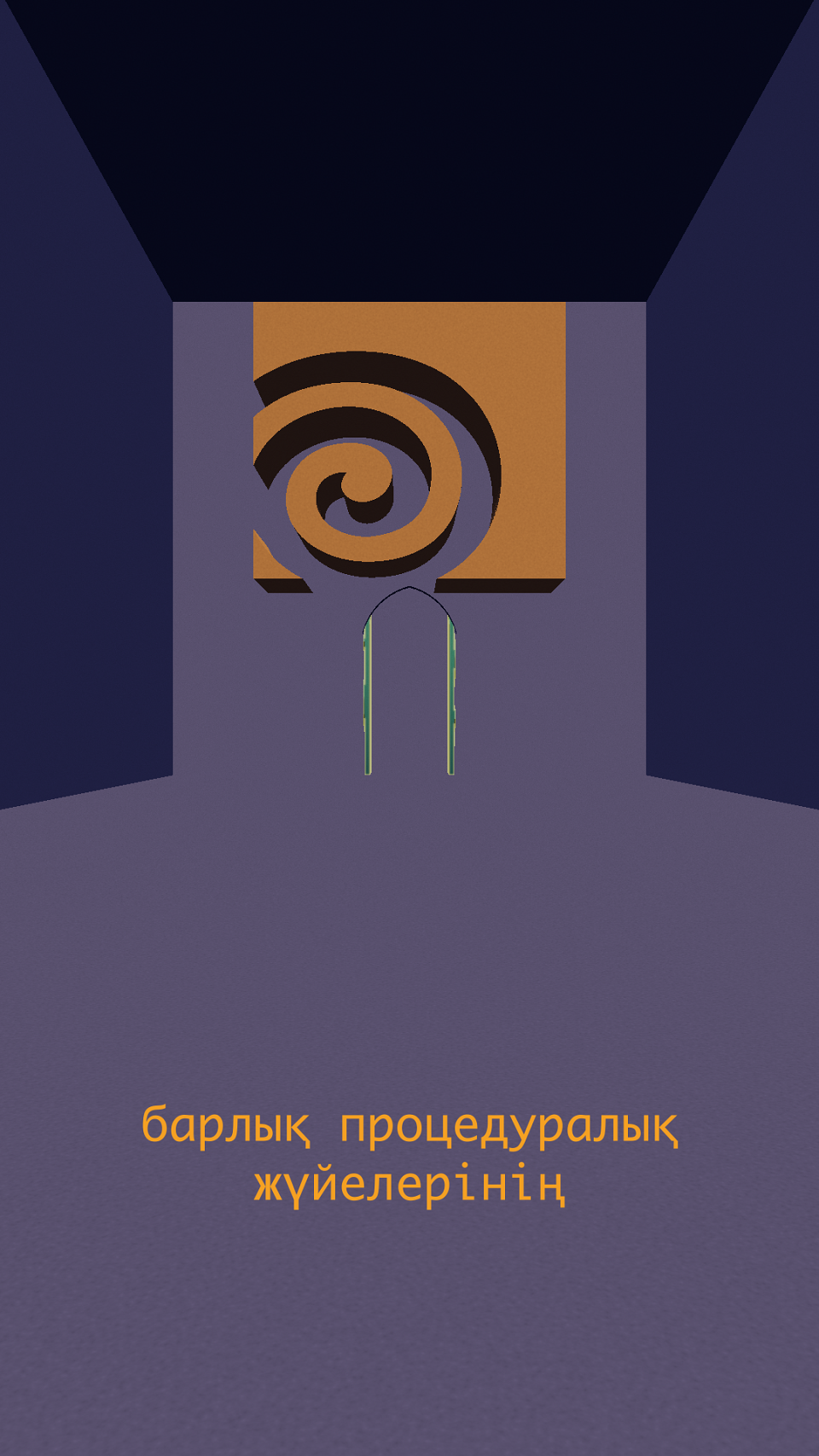
The goal for this project was to explore how to create 3D motion graphics in 2D style. Everything was done inside Houdini, starting from layout to rendering. It was an interesting project to create and a start to exploring Houdini's Copernicus toolkit to achieve even better results with each video that will be coming after this one.
The process of creating this video began with gathering references and storyboarding. I have found a set of 2D animations on Pinterest and used them as the visual guide for this project. During storyboarding I have heavily referenced selected works to get a grasp on particular motion style in these references which I tried to replicate. There is still room for improvement but I believe that this was a solid first step in the right direction.
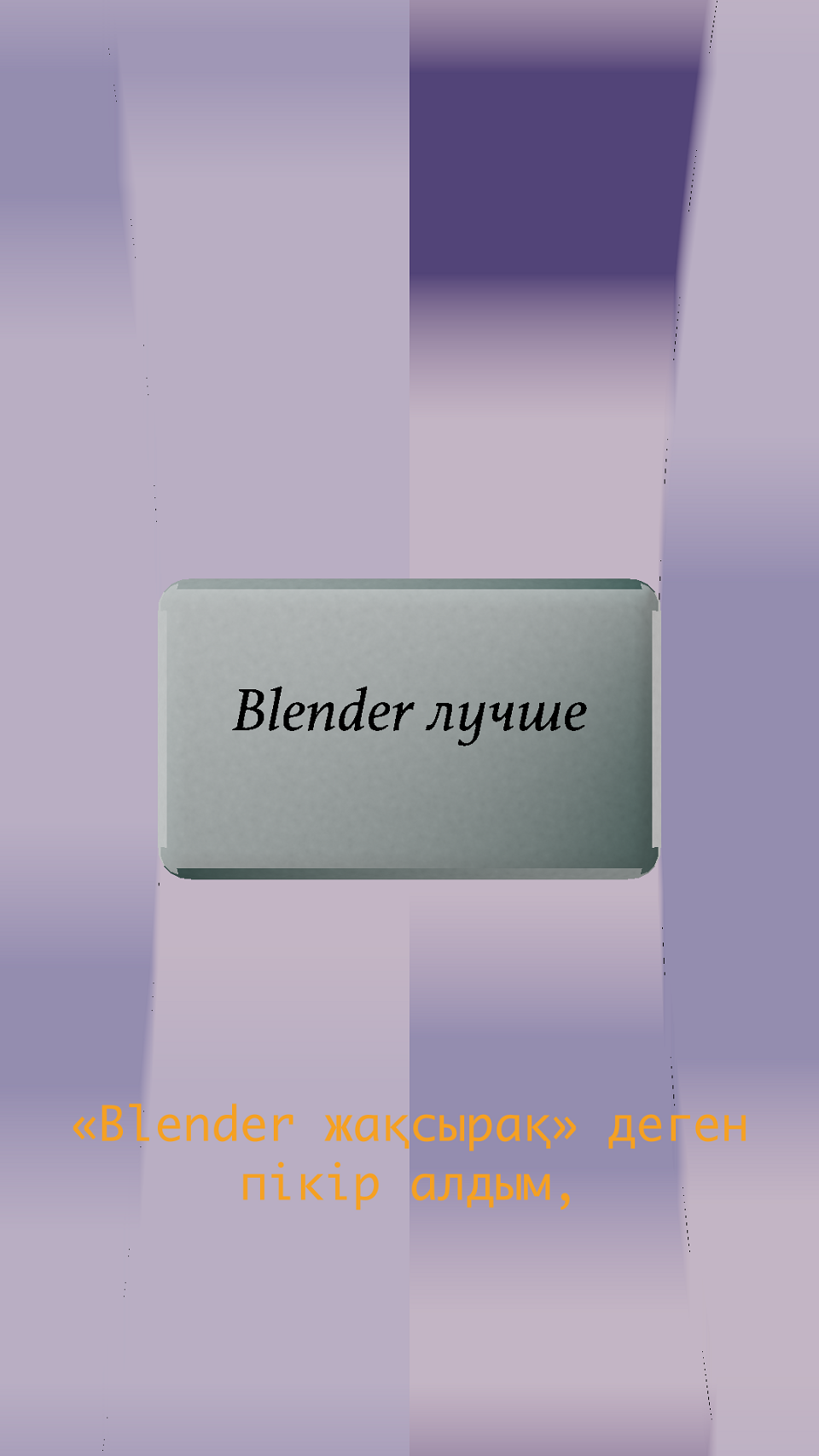
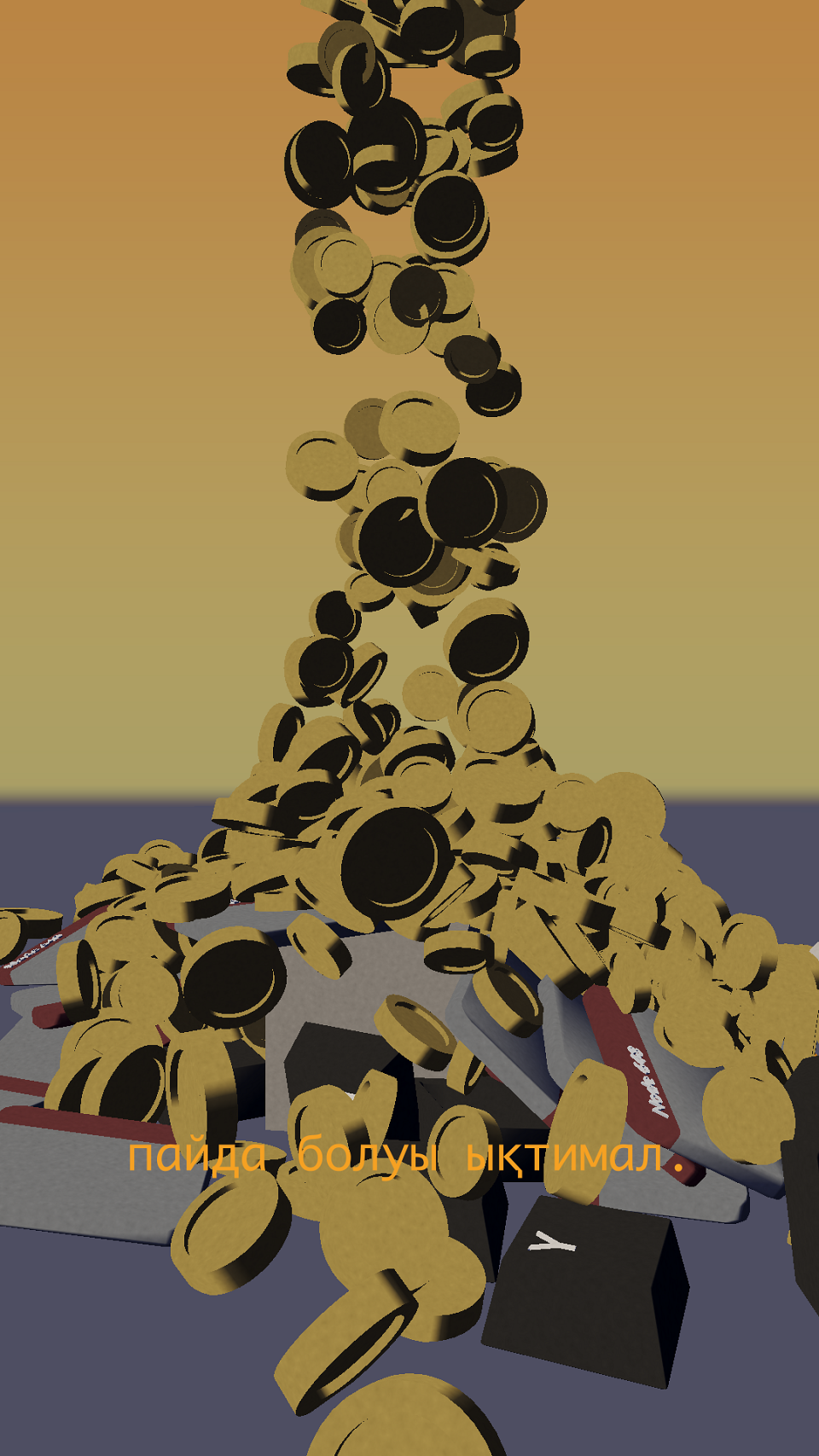
After storyboarding came layout in Houdini. The whole video was divided into four parts that I separately worked on. I didn't use much of simulation toolkit in Houdini except for Vellum and RBD, which were used only in the second scene. Everything else is purely procedural and could be changed at any time. It gave flexibility but also was a constraint due to the nature of proceduralism. Overall, the process of creating this animations was pretty straightforward and it took some time only because of simulations and setting everything up neatly.
The rendering part is not a traditional rendering as it is done in 3D. In Houdini, there exists a workspace called Copernicus that can be used to output images straight from the scene by rasterizing them into 2D. This saved up a lot of hours. Compositing work was also done in Copernicus and it was pretty basic to test out the waters.