


Your phone has a lot of valuable information about you and your business. Likely more than you even realize. If you want to keep that information and your business accounts safe, here are some of the best security strategies you can implement on your business phone. Some of these may make your phone a little harder to use, but the extra security is worth it; plus, ease of use is what your personal phone is for.
1. Avoid Wi-Fi
You've likely heard the dangers of signing in to public Wi-Fi. But the truth is, your home Wi-Fi is not some bastion of safety either. Many of the methods used to compromise public Wi-Fi networks can be used to compromise your home network as well. And some of them don't even require physical access to your house.
If possible, it's best to avoid using your home Wi-Fi with your business phone altogether. Stick to using your SIM data plan and your corporate Wi-Fi. If your company is being careful about cybersecurity, the latter should be much safer than your home Wi-Fi.
If you must use a public or personal Wi-Fi network, having a VPN and antivirus software on your phone can be a big help. But neither security method is flawless.

2. Protect Your Screen
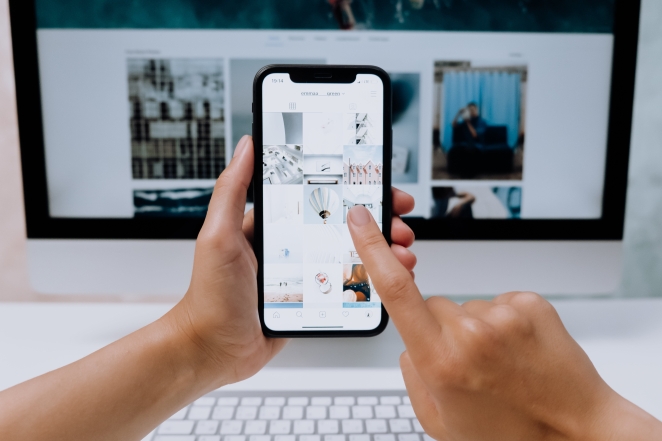
Shoulder surfing is the practice of stealing information by… well, looking over people's shoulders. It's a simple yet very effective method to compromise a network. Every time you input a PIN or manually enter a password at a café or in public transport, you may be giving valuable information to someone sitting a few meters away from you with a telephoto lens pointed at your screen. The same goes for whenever you access sensitive files in public.
The easiest way to avoid that problem is to not use your business phone in public. But that is not always practical. Another good solution is to get a privacy screen protector. You can see how those work on this website.
3. Enable 2FA
2-factor authentication may not be the most exciting cybersecurity strategy to talk about, but it is still important. Cybercriminals are always looking for easy targets, and a significant number of cyber attacks today could have been prevented through the proper use of 2FA and biometric security. Using a password manager can also add a great deal of security to your business accounts.

4. Backup Regularly
Ransomware attacks involve copying the files on your device, deleting the originals, and then blackmailing the victim for the safe return of the stolen files. And one of the better ways to protect yourself from that kind of attack is to have a backup of every critical file on your phone.
Some hackers and viruses will destroy files on your device just for the fun of it too. Plus, there's also the chance those files will be lost because the phone was stolen or broken. So having a strong backup and disaster recovery strategy is just good practice in general.
Keep in mind that just having the files on the cloud isn't a solution. If the files are only on the cloud, that is still a single point of failure — what happens if a bad actor accesses and erases your cloud files? The goal is to make sure you have at least one separate backup. Whether it be in a physical device or another cloud service.
5. Keep it updated
You should have automatic updates enabled on your business phone, and get the latest patches as soon as they're released. You should also upgrade to a new device as soon as your old one stops receiving security updates.
As mentioned earlier, hackers are always looking for easy targets. And a phone with a months-old security patch may very well be low-hanging fruit, depending on what vulnerabilities have been discovered since the last update.