Notism
Hamburg
ABOUT
Say Hello to Notism
Review creative content more effectively with your team.
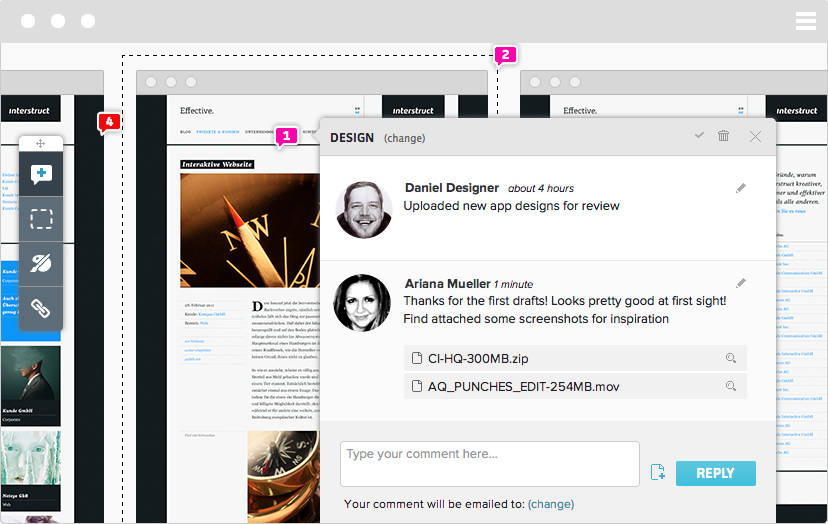
Receive live feedback from team members or stakeholders right where the magic happens and iterate faster. Sign off design layouts for further development steps or guerilla test your creative work.
Comment with a Sketch
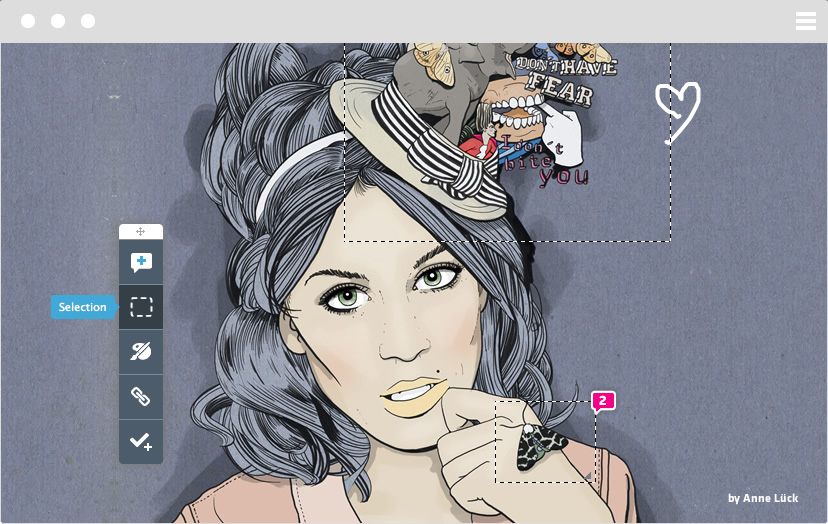
Sometimes it makes more sense to sketch directly on the work rather than adding notes. Notism offers several tools for freehand drawing on your images: pencil, rectangle and circle. You can also choose a line type, width and color.
Highlight specific areas.
Use the highlighter to point out larger areas of your layout. Especially handy if a feedback note refers to a broader section.
Create prototypes - the easy way.
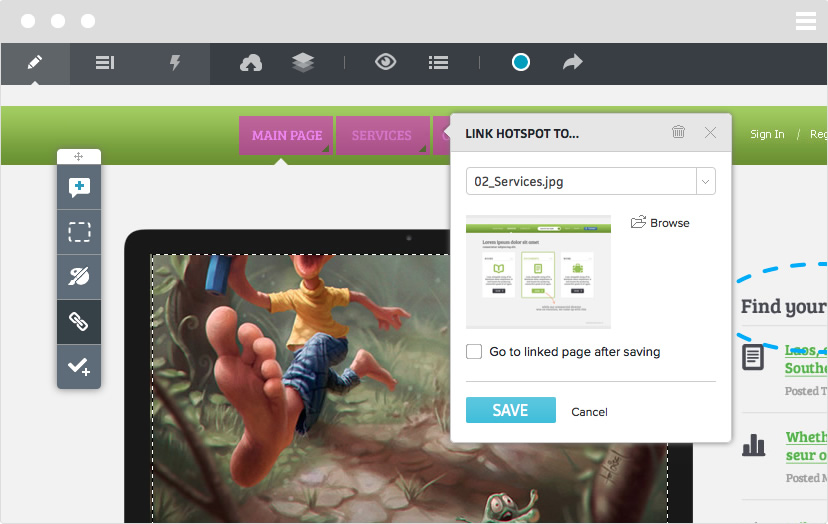
Create working prototypes of your static design templates by setting up hotspots and linking screens. A perfect environment
to test click throughs or happy paths.
Gather feedback in real-time
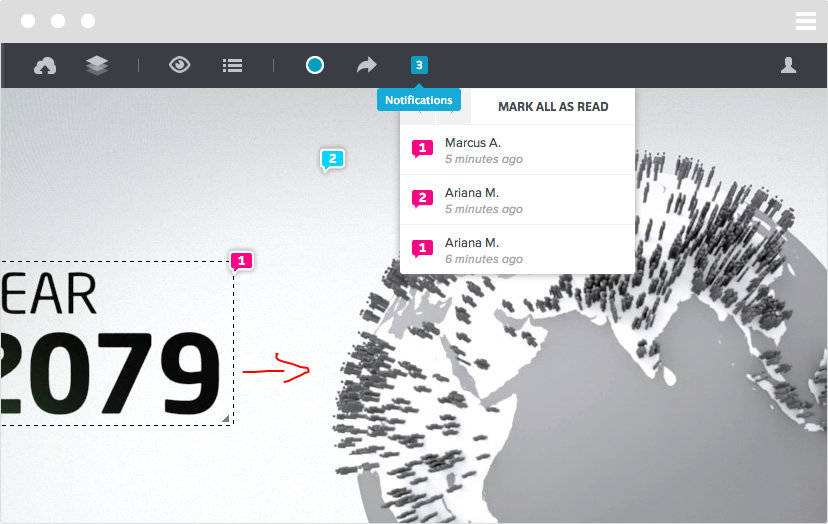
Finally you can collaborate with team members on design work in real-time. You'll be constantly notified about new comments, notes or upload activities of your team members in the new activity-stream.
Add to-dos and keep things done.
With Notism it's really easy to assign to-dos to team members. You can also manage your to-dos in lists to keep track of what’s going on in a project and to keep things done instead of losing track. Basecamp & Asana approved.
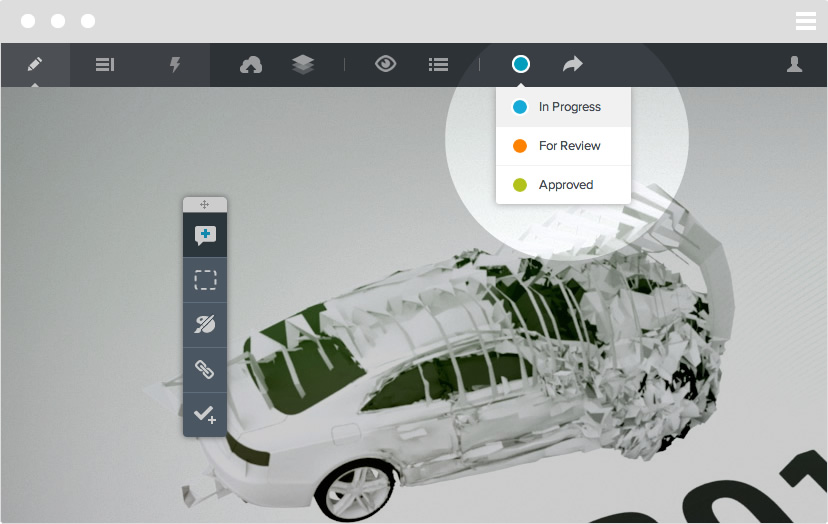
Sign-off layouts or go back to start.
Set up an activity status for each screen in a project. From “in progress” over “for review” to “approved” - to keep a better overview on what requires full attention.
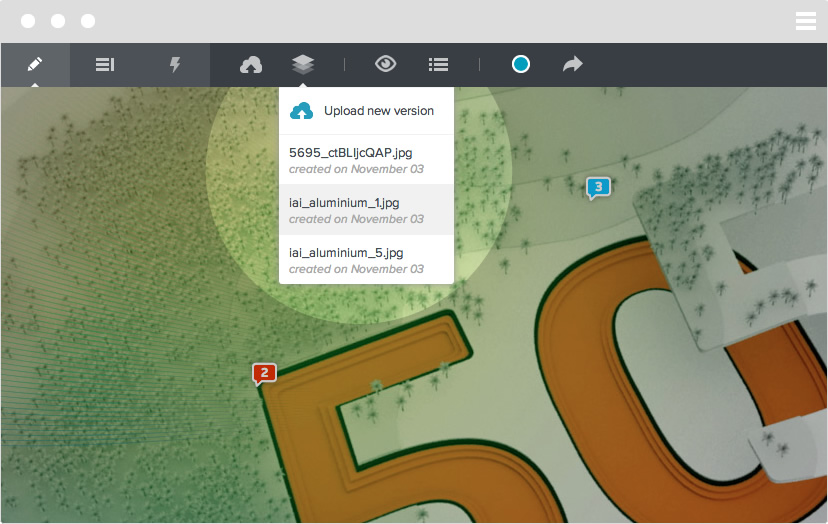
Version control your design process.
Create different versions of a screen and easily switch between these versions for a better overview of what’s going on in your project.
Always keep up with the latest improvements and compare iterations
by flicking through your screen history.