Mary Lewens
BPSS-Cleared Content Designer
ABOUT
Challenges are the character limit - there's not much room for fun/chatty tone where appropriate or for more detail than the basic information, so it's really good for encouraging word economy!
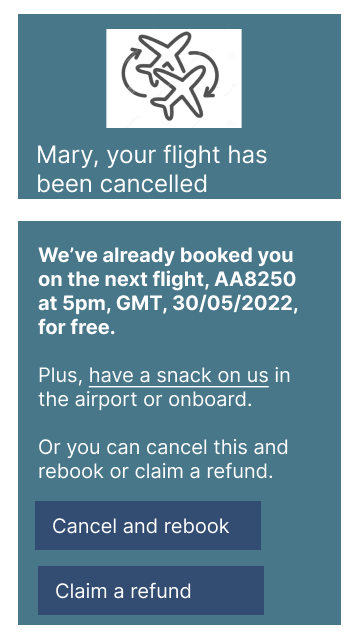
*1. Flight cancellation*
*Brief:* Display a message on an app for a traveller waiting at the airport that their flight has been cancelled and what the next steps are.
*My approach:* Use an image of 2 flights indicating a swap to counter the bad news headline so they read further. I also highlighted the first body copy para to make sure the user sees that a new flight has already been booked. I would want to know when the next flight is or how to cancel. I wanted to show an approach I would like to see - much of the hard work of rebooking done for me, a gesture of apology and a way to rebook myself or cancel if I need to.
*2. Sports app*
*Brief:* A sports fan is a working parent who can't go to games - write a promotional screen for an app that lets a user choose teams, sends game reminders, real-time score updates and highlight videos.
*My approach:* Use an image that tells users the app covers many sports. Lay out the app benefits with a headline emphasising convenience, an instructional intro and at-a-glance bullets for what the app does. And a reassurance that if you're recording the game and don't want to know the results live, those updates are not automatic. Plus a way to sign up or get more info.
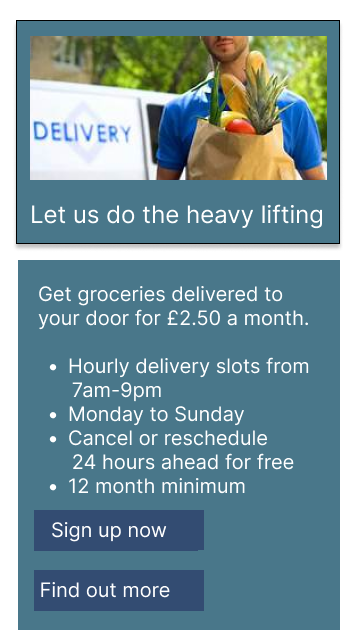
*3. Supermarket delivery service*
*Brief:* An app user is in the supermarket, searching the app for deals when a promotional screen for a grocery delivery service once-a-month for a flat fee comes up.
*My approach:* Need to grab their attention fast before they swipe away - so I went for a convenience led headline and an image cue to indicate delivery. I'd want to know cost, what the range of free delivery slots were and what the cancellation slots are. For easy scanning, I went with an intro and bullets. Users often want more info before they sign up so I added 2 buttons - one for quick sign up and the other for more info.
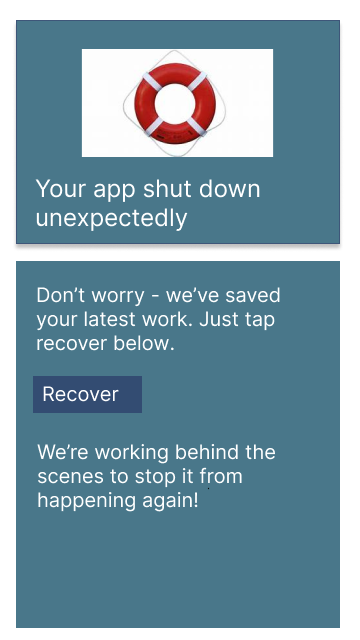
*4. Phone/app shutdown
Brief:: The user works in graphic design. While critiquing a design in a mobile app, their phone abruptly turns off. When they restart the phone, they reopen the app. Write a message that the user will read immediately upon opening the app. What do they need to know? What steps (if any) do they need to take to recover their content? What if they can't recover the content?
*My approach:* The user wants to know if their work is recoverable - so I used the life buoy to indicate that. Below it is a message to indicate that the app knows a sudden shutdown happened and then that their work is saved and how to recover it, with the relevant button. Below that is a non-technical message of reassurance that the bug that prompted this is being investigated to help rebuild trust.