Ganesh Harikant
Graphic Designer
ABOUT
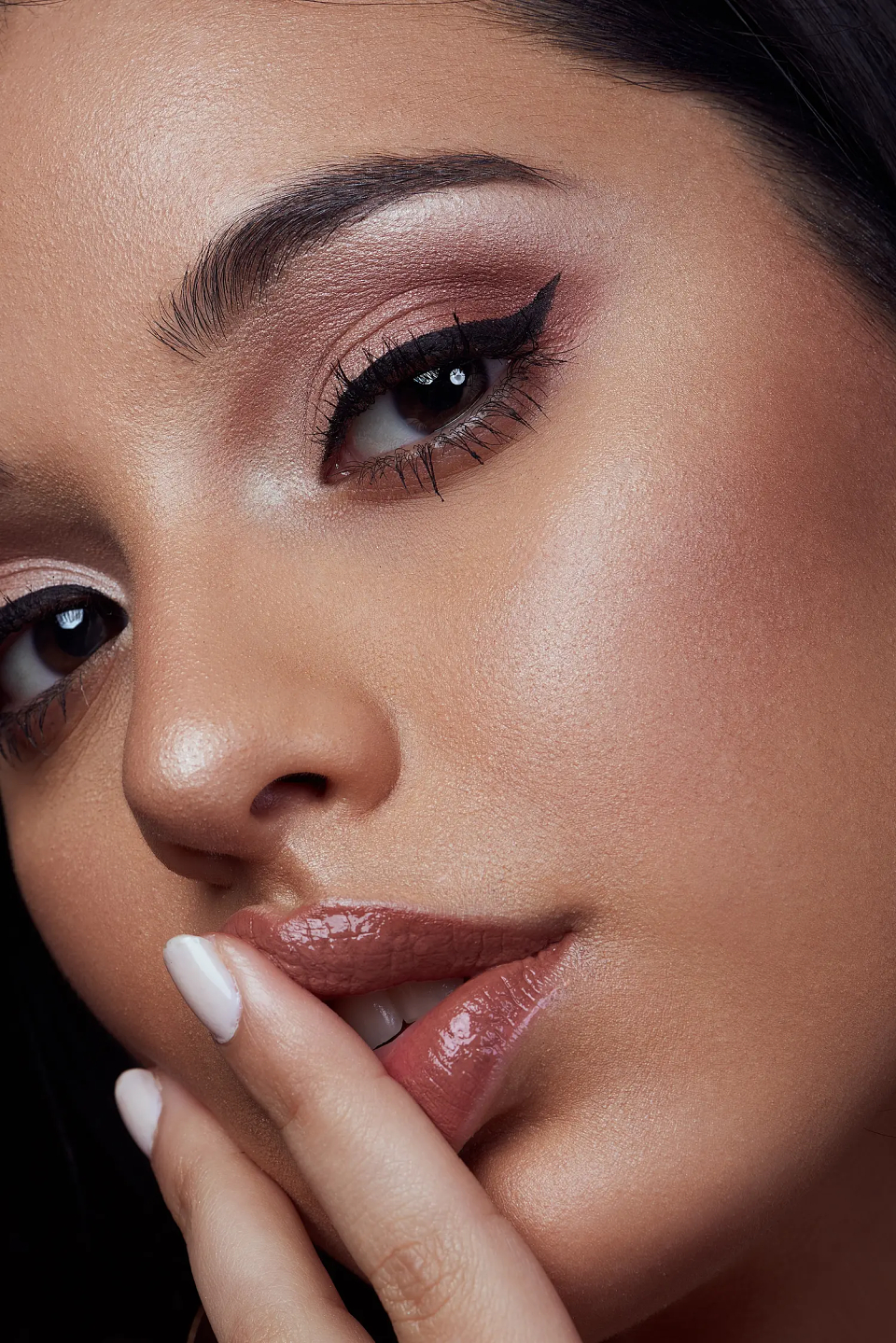
Model Retouching Instructions
Keep the retouching natural and realistic
Remove acne, pimples, blemishes, scars, and dust spots
Smooth skin using frequency separation (do not blur skin texture)
Correct uneven skin tone and redness
Apply dodge & burn to enhance light and shadows
Enhance eyes naturally (brightness, sharpness, eye whites)
Whiten teeth subtly (no over-whitening)
Clean up stray hair and flyaways
Refine face and body shape slightly (no distortion)
Adjust color balance, contrast, and exposure
Improve overall color grading for a professional look
Keep facial features and skin texture intact
Avoid over-retouching or plastic skin effect
Deliver high-resolution final image
Follow client’s specific instructions and references
MADEIT CREDITS
-

PixeloneClient
-
Jonny SevernDesign Strategy - Expert Designer & Animator -

Ganesh HarikantGraphic Designer